


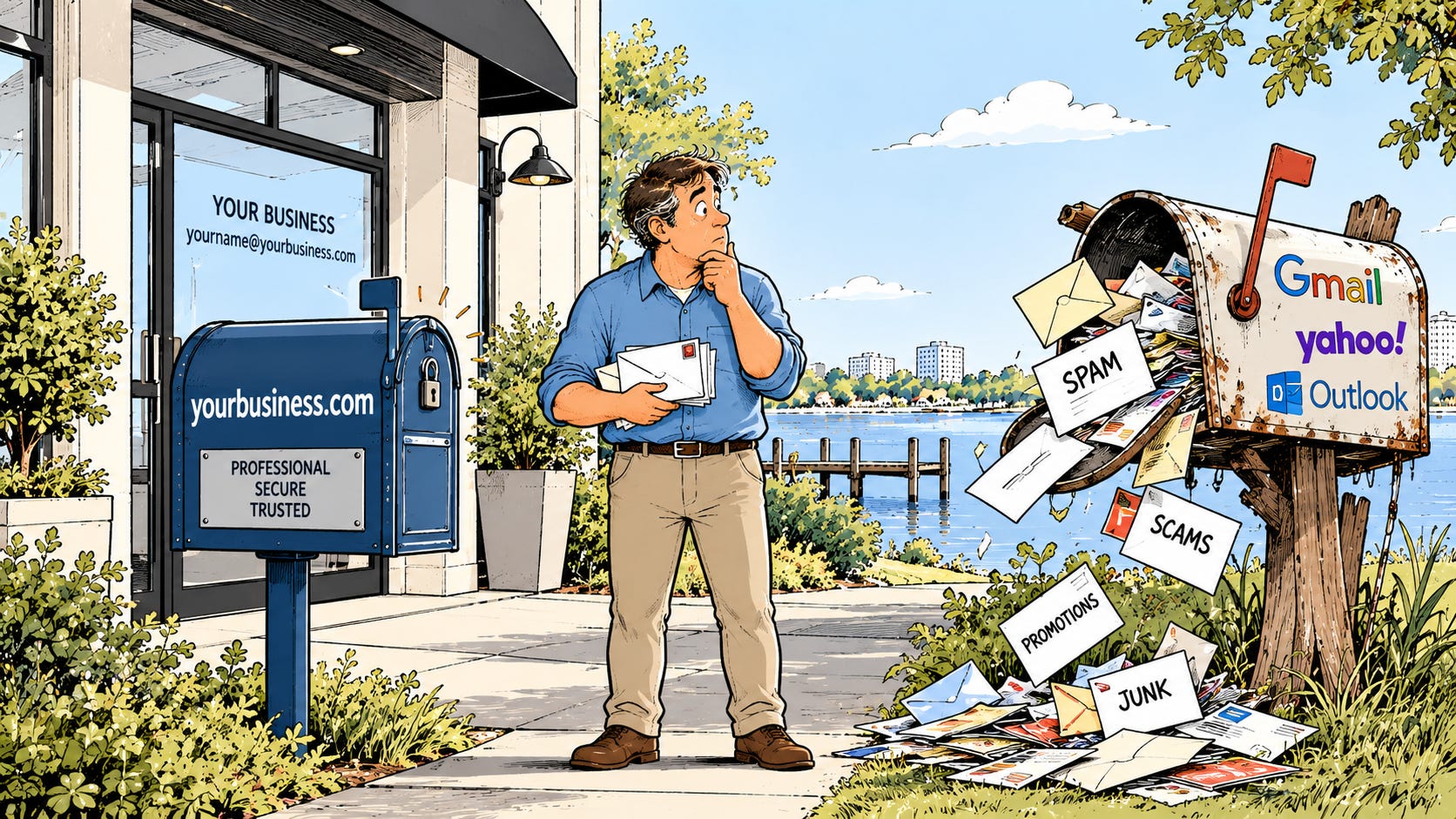
There are certain things I see in business that immediately make me wonder what else is being overlooked.
A business using a free Gmail, Yahoo, or AOL address is one of them.
I’m not talking about Google Workspace. Google Workspace is a business email platform that can use your company’s domain. I’m talking about putting yourbusiness@gmail.com on your website, business card, invoice, or the side of your truck when you already own yourbusiness.com.
I’ve been complaining about this for years, so I might as well put it in writing.
It Starts With How Your Business Looks
Imagine you’re considering two companies you’ve never worked with before. One emails you from glenn@mightymanatee.com. The other emails you from mightymanateeit@gmail.com.
Everything else being equal, which one looks more established?
That’s the simplest argument for using business email, but I don’t actually think it’s the most important one. A professional email address certainly makes a better first impression, especially when you’re asking someone to trust you with their money, their business, or their information.
But looking professional is only the beginning.
Your Business Email Should Belong to Your Business
This is where my bigger objection to free email starts.
A business needs to own and control its email accounts.
If you have employees using personal Gmail accounts for company business, who actually owns those messages? What happens when an employee leaves? Can you immediately shut off their access? Can you preserve their email? Can another employee take over conversations with customers?
With a properly managed Microsoft 365 or Google Workspace environment, the business controls the accounts. When someone joins the company, an account can be created for them. When they leave, access can be removed and the company can retain control of its business information.
That’s not just an IT issue. That’s basic business continuity.
You wouldn’t let an employee take the company filing cabinet home and keep the only key. Your email shouldn’t work that way either.
One Email Address Isn’t a Business Email System
Sometimes I’ll see a small business that has taken the first step and created something like companyname@gmail.com. Everyone in the company uses it, so they figure the problem is solved.
It isn’t.
Now five people know the same password. Nobody really knows who sent what. Multifactor authentication becomes inconvenient, so there’s a temptation to weaken it or work around it. When someone leaves the company, you have to change credentials everywhere. And if that one account gets compromised or locked out, everybody has a problem at the same time.
Shared passwords are not an email strategy.
Every person who needs business email should have their own account. Addresses such as info@, sales@, or billing@ can still exist, but they can be configured so the appropriate people have access without everyone pretending to be the same person.
That gives you accountability, control, and a much easier time when employees come and go.
Security Is a Big Part of This
Business email is one of the primary ways attackers get into small businesses. Phishing, stolen passwords, fake invoices, malicious attachments, and impersonation attempts arrive in inboxes every day.
Microsoft 365 and Google Workspace give businesses administrative and security controls that simply aren’t available when everyone is doing their own thing with personal accounts. You can require multifactor authentication, manage access, establish security policies, monitor accounts, and respond when something suspicious happens.
More importantly, you can apply those protections consistently across the company.
That’s difficult to do when one employee uses Gmail, another has Yahoo, the owner has an AOL address they’ve had since 1997, and somebody else is forwarding everything to their personal account.
Technology has moved on. Your business should too.
You Already Own the Domain
This is the part that makes free business email particularly hard for me to understand.
A lot of businesses doing this already own a domain.
They have a website at yourbusiness.com, but their email address is yourbusiness@gmail.com.
You’ve already done the hard part. You have the company name. You have the domain. You’re probably paying for the website. Yet one of the primary ways customers communicate with your company is still being handled through a free consumer account.
Professional business email isn’t some exotic enterprise technology anymore. Microsoft 365 and Google Workspace have made it practical for even very small businesses.
If you’re running an actual business, email is one of the basic operating expenses.
“But I’ve Used This Address for Years”
This is probably the objection I hear most often.
You’ve had the Gmail address forever. All your customers know it. It’s on your business cards. It’s connected to various accounts. Changing it sounds like a giant pain.
Fair enough.
But switching to a business email address doesn’t mean your old address has to disappear at midnight.
You can move to the new address gradually. Start using the business address for new conversations. Update your website, invoices, business cards, social media profiles, and other public listings. Let existing customers get accustomed to seeing the new address.
The old account can continue to receive messages during the transition.
You don’t have to rip off the Band-Aid. You just have to start.
This Isn’t Really About Email
After working in technology for a very long time, I’ve found that small things can tell you a lot about how a business handles technology.
Using a free email account doesn’t automatically mean a business is poorly run. There are plenty of excellent small businesses still using them simply because that’s how they started and nobody has ever given them a reason to change.
But technology decisions that made sense when you were starting out don’t necessarily make sense five or ten years later.
Your business grows. You hire people. You accumulate customer information. You become more dependent on email. Security becomes more important. The consequences of losing access to an account get much bigger.
At some point, the technology needs to grow up with the business.
If You’re Still Using Free Email, Start Here
You don’t need to understand the technical differences between Microsoft 365 and Google Workspace before doing anything. Start with a few basic questions.
Does your business own its domain? Are employees using company-controlled email accounts? Does each person have their own login? Is multifactor authentication required? And when an employee leaves, can the business immediately remove their access while keeping the company’s email and information?
If you can’t confidently answer those questions, it’s worth having a conversation with whoever handles your IT.
And if your business already owns its domain but you’re still handing out a Gmail address?
It’s time.
Your domain isn’t just for your website. Use it.
You bring up important points that I think many small business owners overlook. They don’t about employees who may leave or when the time comes to sell the business. Thank you for stating everything so clearly.