


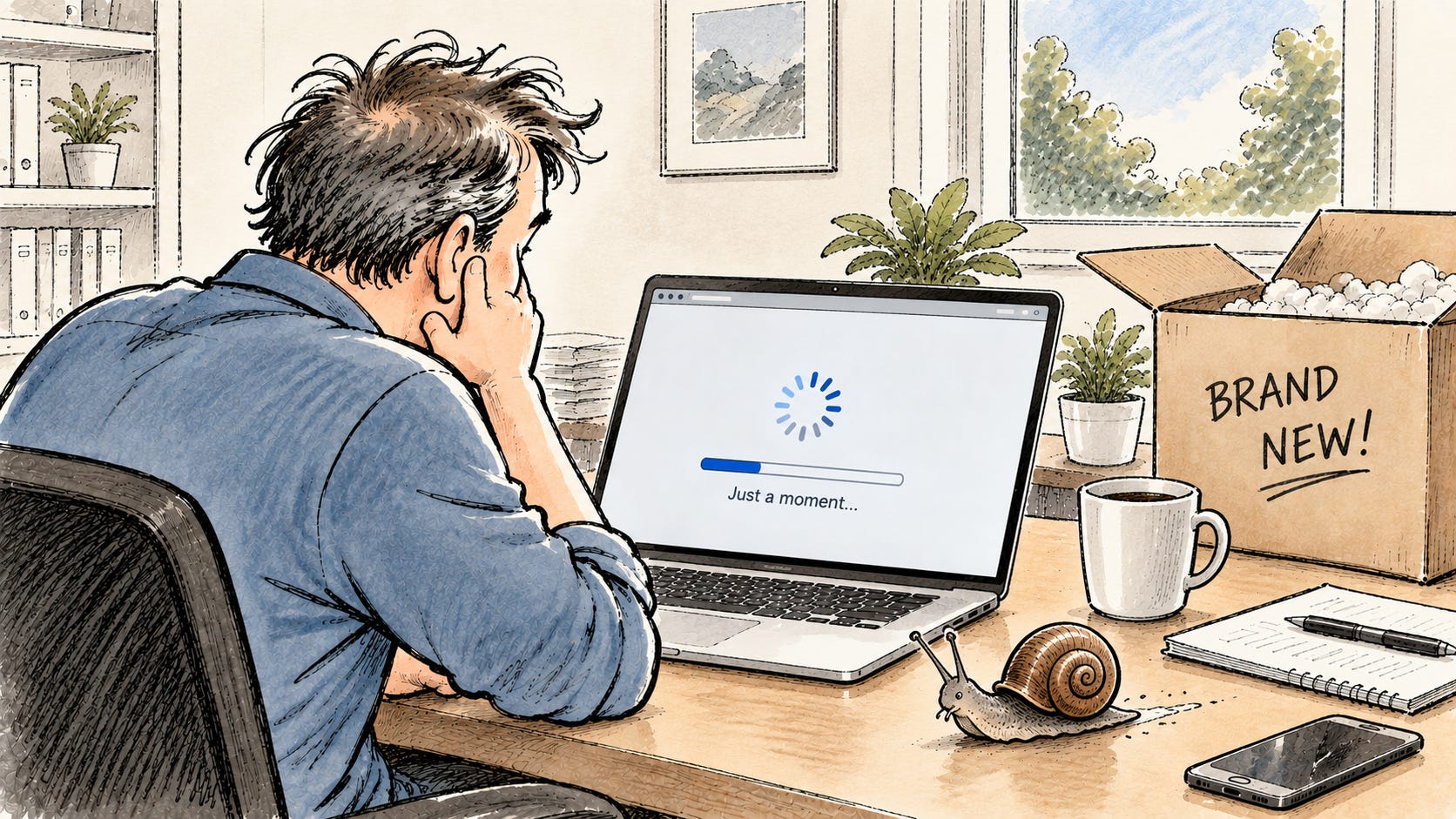
Why buying the cheapest PC can cost your business more in the long run
A couple of years ago, we were working with a healthcare client whose office manager had a computer that was painfully slow. This wasn’t some ancient machine that had been hanging around the office since Windows 7. It was only about six months old.
That was the confusing part. It was practically new, so why was someone in a key position spending her day waiting for her computer?
Once we took a closer look, the answer became pretty obvious. The computer had an Intel N200 processor and only 8 GB of RAM. There wasn’t anything technically wrong with it. It wasn’t infected with malware, the hard drive wasn’t failing, and there wasn’t some mysterious Windows problem we could fix. It was simply woefully underpowered for the job it was being asked to do.
And that’s an important distinction. A computer doesn’t have to be broken to cost your business money.
Every time she waited for an application to open, switched between programs, or sat there watching the computer struggle to keep up, the business was losing productivity. A minute here and two minutes there doesn’t sound like much, but multiply that across eight hours a day, five days a week, and an inexpensive computer can get expensive pretty quickly.
Of course, replacing a computer that was only six months old wasn’t exactly something they had budgeted for. We ended up finding them a refurbished business-class computer for about what they’d originally paid for the slow machine. It was more than twice as fast and came with a three-year warranty.
The lesson isn’t that everyone should run out and buy refurbished computers. The lesson is that new doesn’t necessarily mean good, and cheap doesn’t necessarily mean inexpensive.
“But we only use it for email and the web.”
I hear some version of this all the time. Someone needs a new computer, and because they aren’t doing video editing, CAD, or scientific research, the assumption is that just about anything will do.
After all, they only use Outlook, Word, Excel, Teams, QuickBooks, a few browser-based applications, OneDrive, and the web.
Except the web browser has 15 tabs open. Outlook is running all day. Teams is sitting in the background. OneDrive is synchronizing files. Windows is doing its thing. Your security software is running. Your line-of-business applications are open. Maybe you’re working with a couple of large PDFs and an Excel spreadsheet at the same time.
Suddenly, “we only use it for email and the web” is asking the computer to do quite a bit.
This is where those $250 or $300 computers you see advertised can become a problem. Yes, they’re computers. Yes, they run Windows. Yes, they can probably open Outlook.
A golf cart is technically a vehicle too. I’m still not taking one on the Turnpike.
So what should a business computer have?
We aren’t trying to sell our clients the most computer we possibly can. A receptionist doesn’t need a $3,000 engineering workstation just to answer email and work in a browser. The goal is to buy enough computer to comfortably handle today’s workload, leave some room for tomorrow’s workload, and hopefully not have this conversation again two years from now.
For most typical business users today, we recommend a current-generation or one-generation-old processor from one of the major processor families. There are dozens of processor models out there, and this is one of the easiest places to get fooled when shopping. Two computers can both say “Intel” on the sticker and have dramatically different levels of performance. That’s exactly what happened with our healthcare client.
We consider 16 GB of RAM the minimum for a new business computer. Windows may technically run with less, but we’re not buying computers based on the minimum required to make Windows boot. We’re buying them for people who need to get work done. More demanding users may need 32 GB or more, but 16 GB gives the typical office user enough breathing room to work with several applications at the same time without the computer constantly struggling.
For storage, our starting point is a 512 GB SSD or NVMe drive. Solid-state storage has been standard for years, and there is simply no reason to put a traditional spinning hard drive in a new everyday business computer. We also don’t like starting with tiny drives that are already half full by the time Windows, Office, and your normal applications are installed.
And for a business, the computer should be running Windows 11 Pro, not Windows 11 Home. There’s a reason Microsoft makes separate Home and Pro editions. Pro includes management and security capabilities that businesses and their IT providers need. Home is exactly what the name suggests. It’s designed for home use.
Buy a business computer for your business
There’s another difference that isn’t always obvious when you’re comparing computers online: consumer computers and business computers aren’t necessarily built or supported the same way.
At Mighty Manatee IT, we standardize on Dell and Lenovo business-class computers. That doesn’t mean they’re the only companies capable of building a decent PC. It means we’ve chosen manufacturers and product lines that give us consistent hardware, good parts availability, predictable driver and firmware support, and business warranty options.
Standardization matters when you’re supporting computers for years. If something goes wrong, we want to know that parts are available, firmware and drivers are going to be maintained, and somebody can actually come fix the thing.
That brings us to something people often overlook when they’re shopping: the warranty.
For a business computer, we recommend a minimum three-year onsite warranty. If the budget allows it, we’ll often recommend five years. The important word there is onsite. If a computer fails, having to box it up and ship it somewhere for repair while an employee sits around without a computer for a week or two isn’t much of a warranty from a business productivity standpoint.
For laptops, we also strongly recommend accidental damage coverage. Laptops get dropped. Screens get cracked. Drinks get spilled. Bags get knocked off tables. Gravity has maintained a pretty impressive undefeated record.
Think in years, not today’s price tag
When we properly specify a business computer, we’re currently seeing useful lifespans in the five-to-seven-year range. Obviously, workloads change and hardware can fail, but that’s a reasonable expectation for a well-built machine that was properly sized in the first place.
That’s why I don’t like looking at computers solely in terms of purchase price.
If one computer costs $400 and another costs $1,000, it’s easy to look at them and say the $400 computer saves the business $600. But what happens if the $400 computer is frustratingly slow from the beginning, causes an employee to lose productive time every day, requires more support, and gets replaced after two or three years?
Meanwhile, the properly specified business computer does its job for six years.
Which one was actually cheaper?
Computers are tools. For most office employees, they’re probably the single tool they use more than anything else during the workday. If you’re paying someone for eight hours of their time, making them spend part of those eight hours waiting for an underpowered computer because you saved a few hundred dollars on the purchase doesn’t make a lot of sense.
And nobody has ever called us complaining that their computer is too fast.
Buy the computer you need, not the cheapest one that runs Windows
None of this means every business needs expensive computers. It means businesses should buy computers based on what their employees actually need and how long they expect those computers to remain productive.
Sometimes the right answer is a moderately priced new business PC. Sometimes a more powerful system is appropriate. As our healthcare client discovered, sometimes even a properly selected refurbished business computer is a much better choice than a brand-new bargain-basement machine.
What matters is what’s inside it, how it’s supported, and whether it’s appropriate for the person who’s going to use it.
Because six months after you buy a computer is a terrible time to discover that you saved money on the wrong thing.